what happens within your operation.
what we bring, what we need from you, and how orders reach the stand.
three steps and you’re live.
ready to launch in weeks, not months.
-
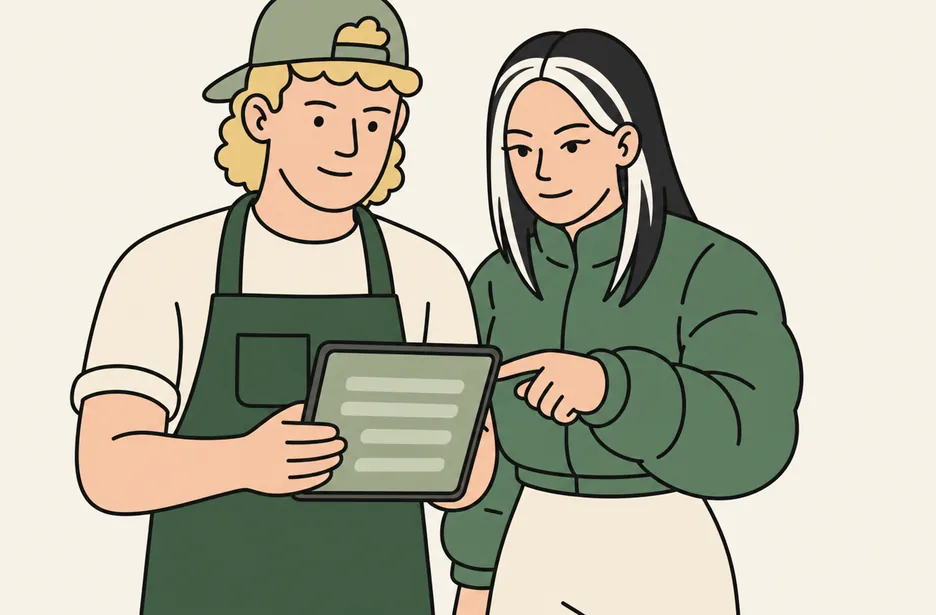
we configure your operation
your vendors, menus, map and colours, loaded and ready.
-
we deploy the platform
and stress test it, again and again, to make sure it’s event-ready.
-
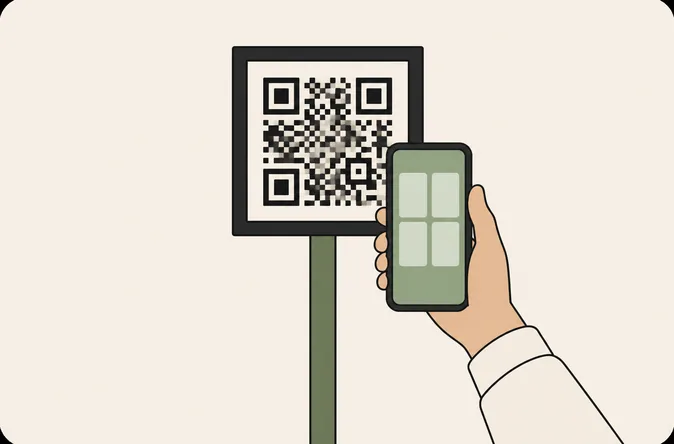
the QR codes go up
we supply them. you place them around your venue.
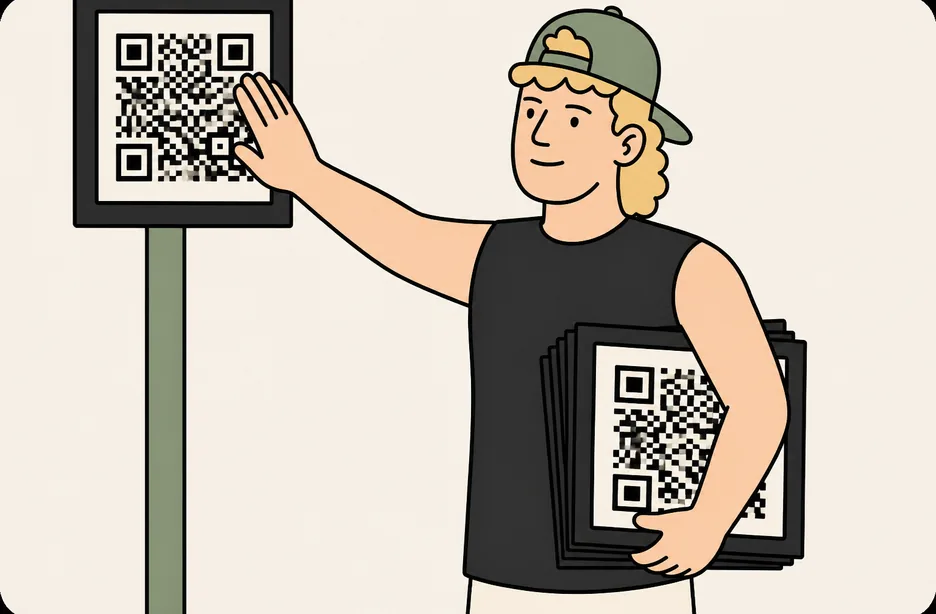
how orders reach the stand through our managed service.
two routes, depending on what you already run.
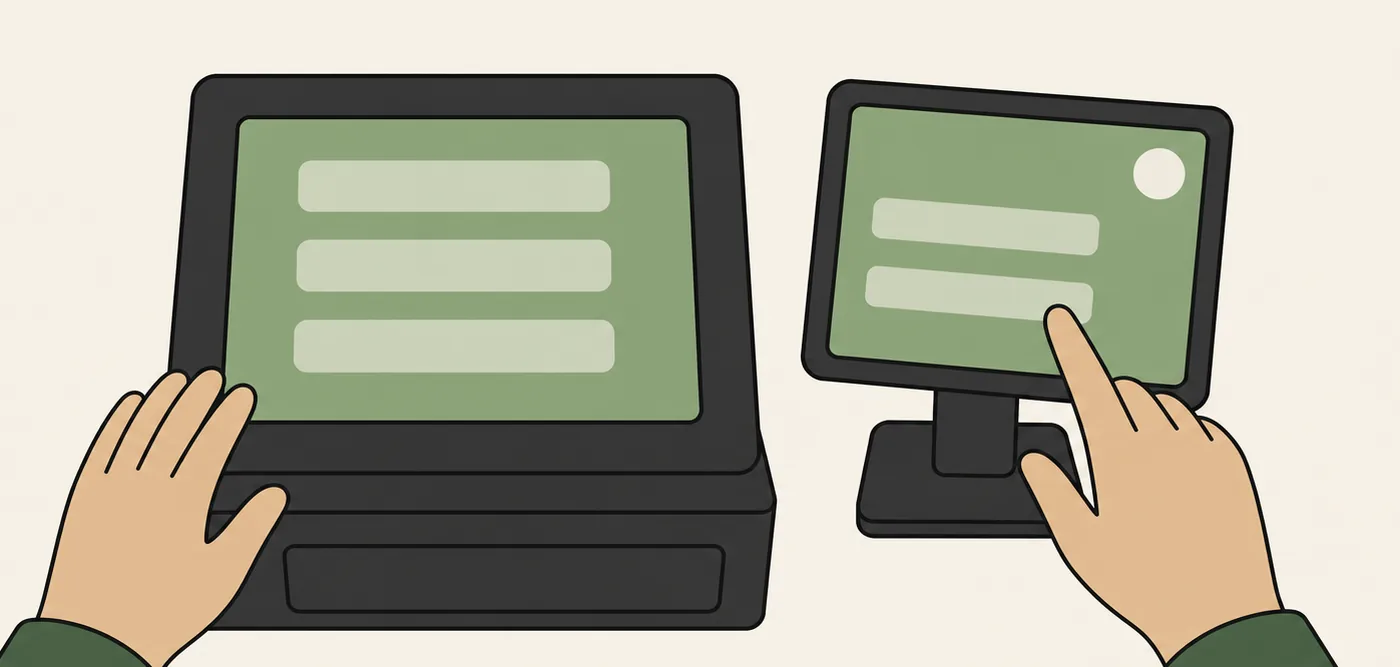
route A
if you have a point of sale
supported point-of-sale systems receive orders directly. other setups run the wyw vendor screen beside the till.
route B
if you don’t
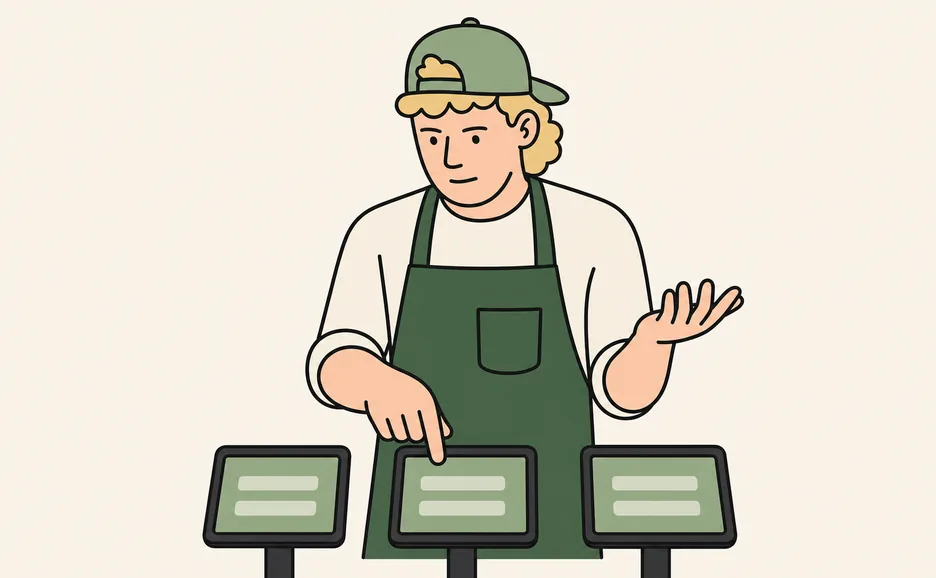
we bring the tablets. vendors use the wyw dashboard, and we set every stand up before doors.
and the operator dashboard comes with both scenarios.
whichever route you run, orders reach the stand and the operator dashboard sits on top of it. the venue’s live view is always there. the vendor dashboard is the order screen on the tablet route.
the tablet route
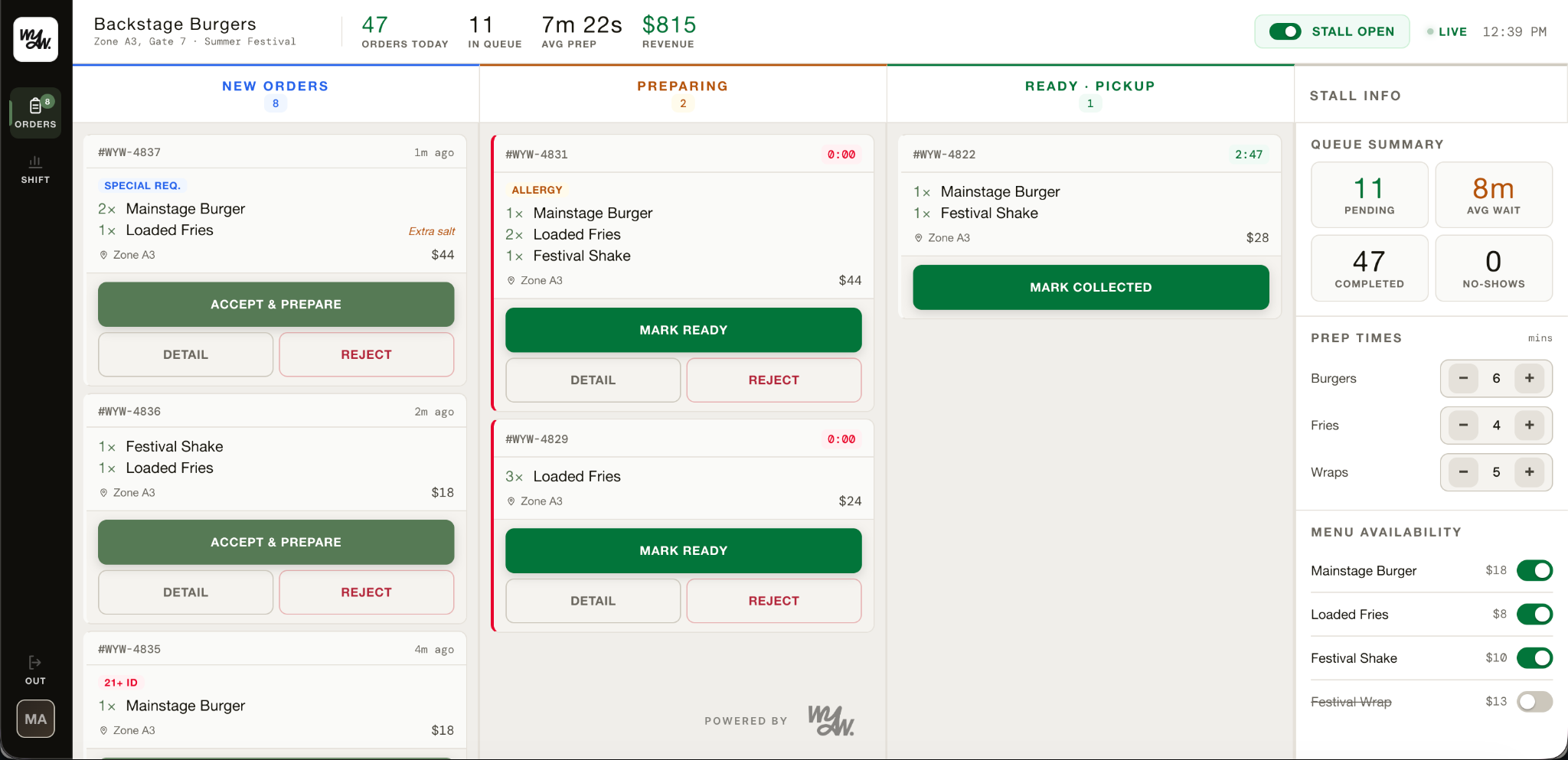
vendor dashboard
each stand manages its own queue, menu and pace from one simple screen.
step through the five ↓
special requests, allergies and ID checks flagged before you start cooking.
every order counts down against your promised prep time. slipping orders turn amber, then red.
mark it ready and their phone buzzes. they walk up, collect, and go.
pending, average wait, completed and no-shows, updating all shift.
flip an item off and it vanishes from the guest app instantly.
every route
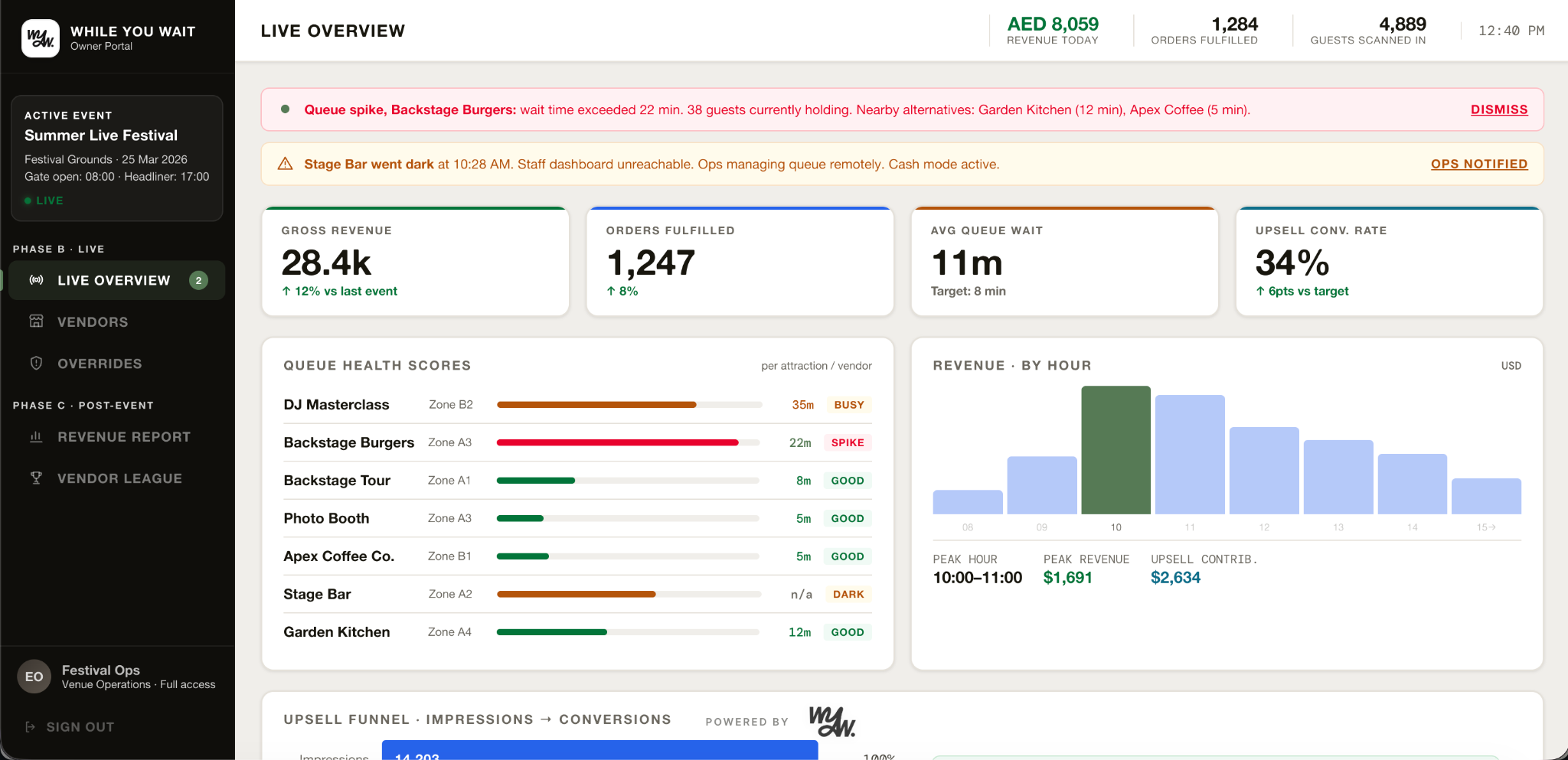
operator dashboard
the whole venue at a glance: queues, spend and flow, live.
step through the five ↓
live revenue, orders and guests through the gate, across every vendor at once.
revenue vs last event, average wait vs promise, upsell conversion.
revenue by the hour with your peak window and what upselling added on top.
revenue, waits, top sellers, and issues per vendor.
pause a vendor, close a shift, cancel an order. guests are notified instantly and everything is logged.
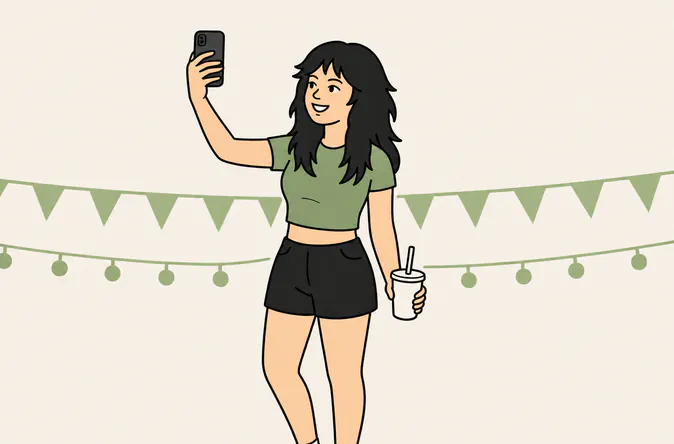
virtual queuing
hold your place from your phone
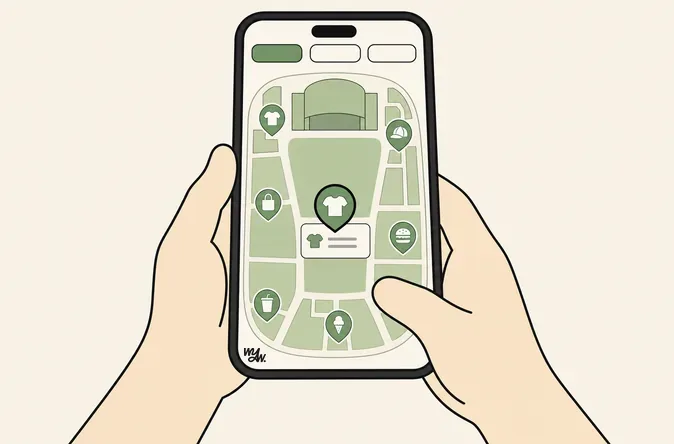
browse + upsell
the whole venue in their hand
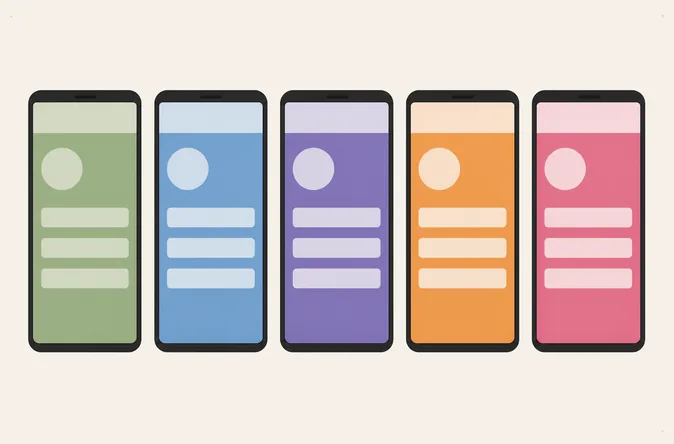
white label
your name, your colours
no download
one code, straight to the browser
keep reading.
see it in your venue.
a short demo, tailored to what you run.