
we sit on top of what you already run.
keep the venue stack you already run. wyw adds the queue and guest layer across it and packages it all into a seamless dashboard.
how it works
-
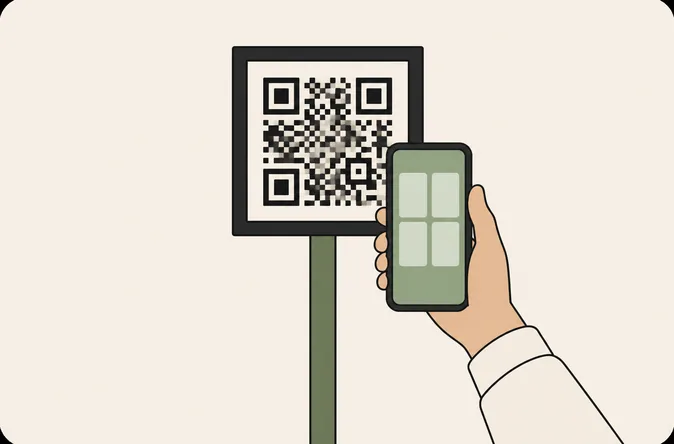
guests scan one QR code
they browse, order and queue from their phones. no app download required.
-
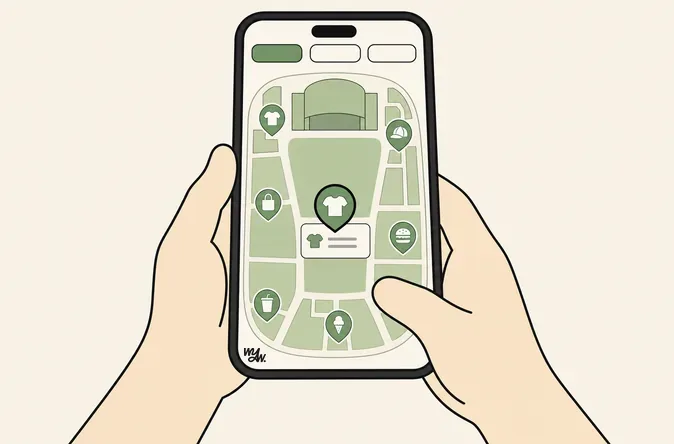
the wyw layer takes it from there
queues, orders, browsing and live crowd data, all in one layer across the venue.
-
orders route to your point of sale
pushed straight to the stand’s pos, where supported. your kitchen display gets it from there, as today.
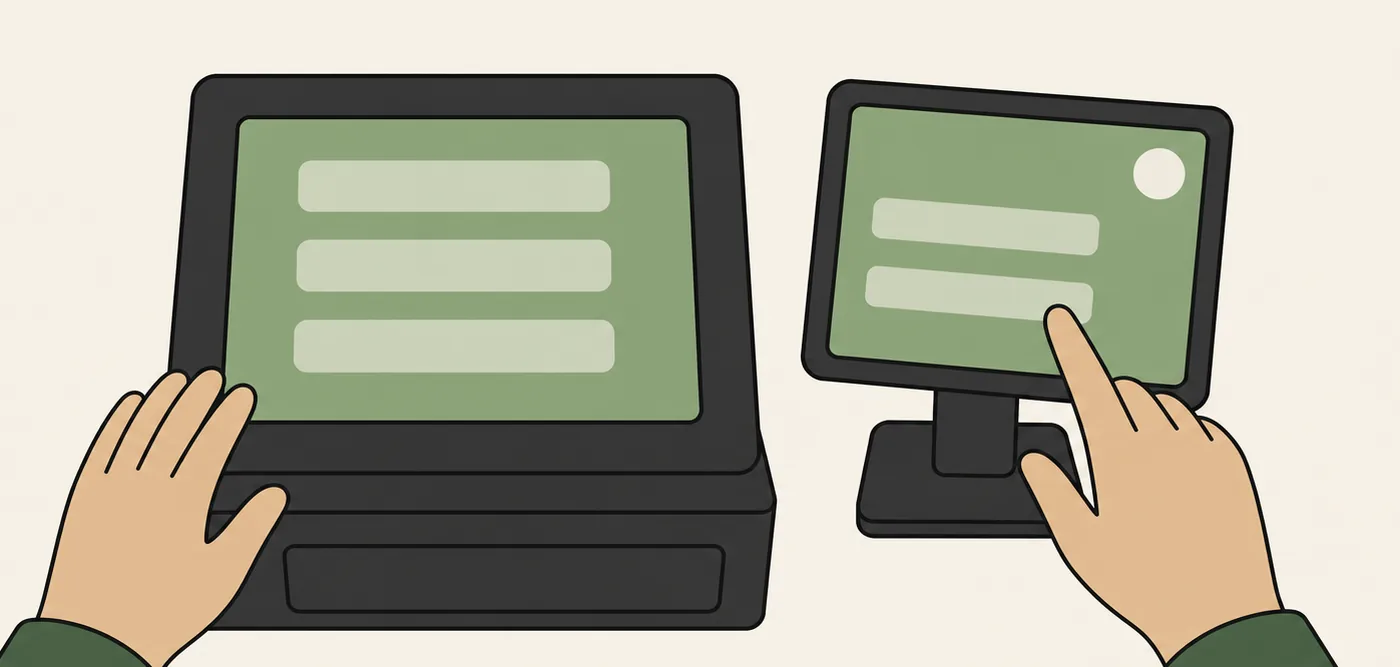
none of what you currently run is removed or replaced.
-
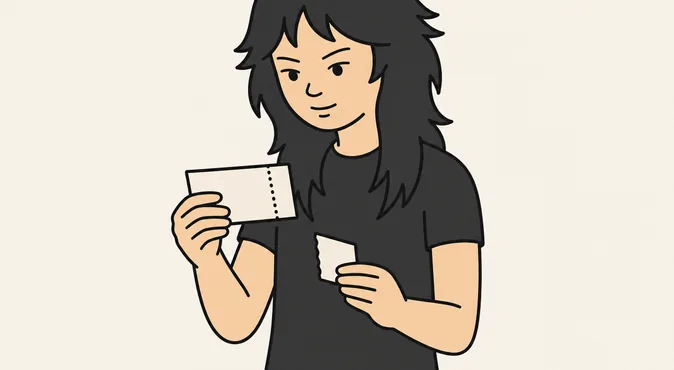
ticketing
runs entry, exactly as it does now
-
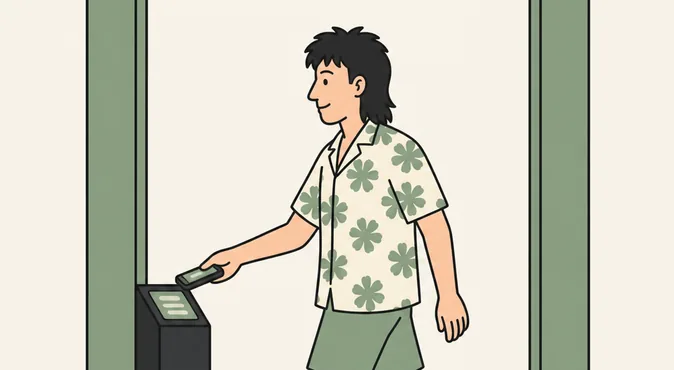
access
gates and scanning, as today
-
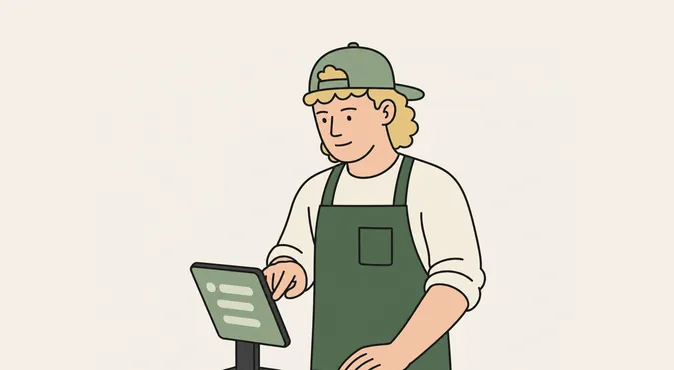
kitchen display
tells the vendor what to prepare, fed by your pos
the operator dashboard reads from the wyw layer, so the venue gets one live view without touching any of this.
three common questions, answered straight.
how does it work with POS systems?
supported point-of-sale systems receive wyw orders directly. other setups run the wyw vendor screen beside the till.

how do payments work?
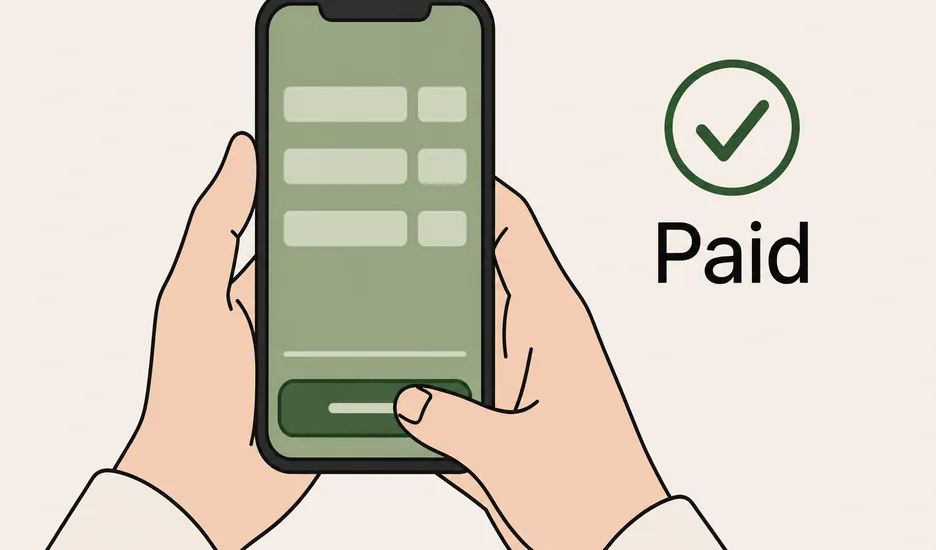
guests pay when they order. funds settle directly to the vendor, with reconciliation itemised by vendor and event.
do you connect to our ticketing?
we don’t need to. wyw runs from a QR code inside the venue, so ticketing and access carry on untouched.
keep reading.
using another system?
bring it to the demo. we’ll show you where it fits and tell you what needs building.